EXPERIENCE
PDF compression without asking: 5 practical tips for pitfalls and summaries I've stepped on
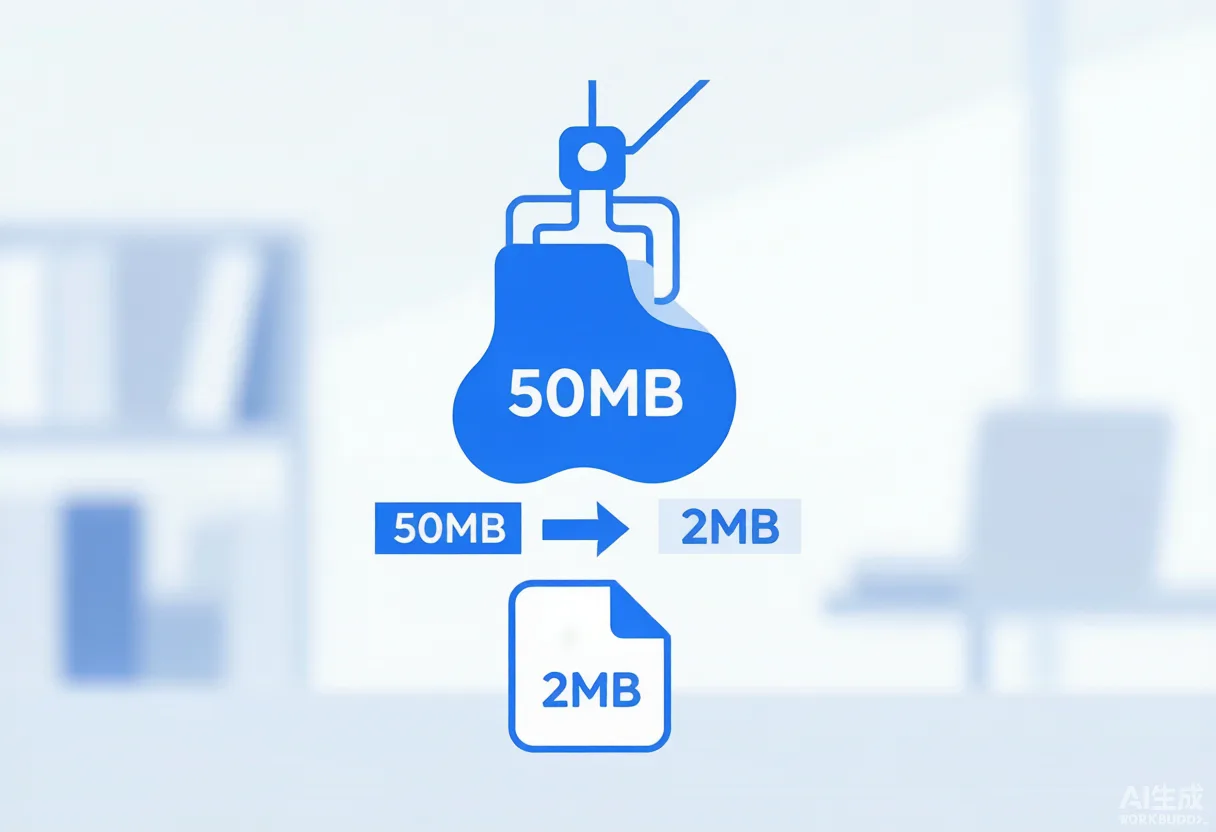
In order to catch up with the project a while ago, we need to put a design draft PDF Email customer, file 60 Multiple MB, I can't send it out. I temporarily hugged the Buddha and studied it PDF Compression, only to find that many of his previous operations were"Invalid compression"—— The file name has changed and the volume is not small. Today, I will sort out the experience of this road and give the same small white reference as me.
1. Judge first: whether it is a picture type or a text type PDF?
The most important step is deciding what tool to use next. Open PDF Just click on the text - if you can select copy, it is the text type; if it is not dotted and dense, it is mostly a scanned copy or design manuscript (picture type). Text type PDF It is not large in itself (several MB to dozens MB), limited compressed space; true"hegemon"Almost all are image types, one 300dpi Full-color photos can occupy several MB。
Ⅱ5 an effective way for me to test myself
1. WPS right of privacy"Extra small PDF Volume"
Foolishest. Membership features, but a free trial is enough. For Plain Text+Table PDF The results are stunning.30 MB can be pressed to 8 MB Around, the clarity of the text is almost undiminished.
2. Adobe Acrobat right of privacy"Optimized Scanned PDF"
Deal with the king explosion of scans. In the "Optimization PDF → Scanned: PDF", the image quality is changed from"100%"to"60%", resolution dropped to"150 dpi", often hundreds of MB scans can be as thin as 1/5, there was little difference with the naked eye.
Suitable for temporary emergencies. No need to install software, browser upload, download, and get it done in a few minutes. Note two points: ① Do not use sensitive files (upload them to someone else's server); ② The free version has a limit on the number of times and the maximum file size.
4. PhotoshopSave As: PDF」
A friend of the designer taught it.PS In, merge layers, rasterize layer styles, and set image compression to "JPEG High ". One 200 MB 's album can be pressed to 20 MB 内
5. Ultimate Plan:Mac Prev / Windows Print
Most easily overlooked.Mac Open directly in Preview PDFFile Export...Quartz FILTERSReduce File Size」;Windows With any PDF Reader "Print→Microsoft Print to PDF", select the minimum print quality, the volume can also be significantly reduced. The idea is to put high-resolution content"Print"into a low-quality version.
3. A few pits that are easy to step on
l Before compressionBe sure to back up the original file, do not overwrite the source file;
l Key documents containing official seals and contracts, after compressionPage-by-page checksDon't be overwhelmed;
l Email attachment suggestions are controlled by 20 MB In, upload the disk with the link over.
Compression is, after all,"Loss of information exchange volume"But as long as you choose the right tools and parameters, you will lose details that cannot be seen by the human eye, saving time and patience. We hope this experience has helped you avoid detours.