EXPERIENCE
Apple Memo Compression Tips for Taking Photos and Generating PDFs
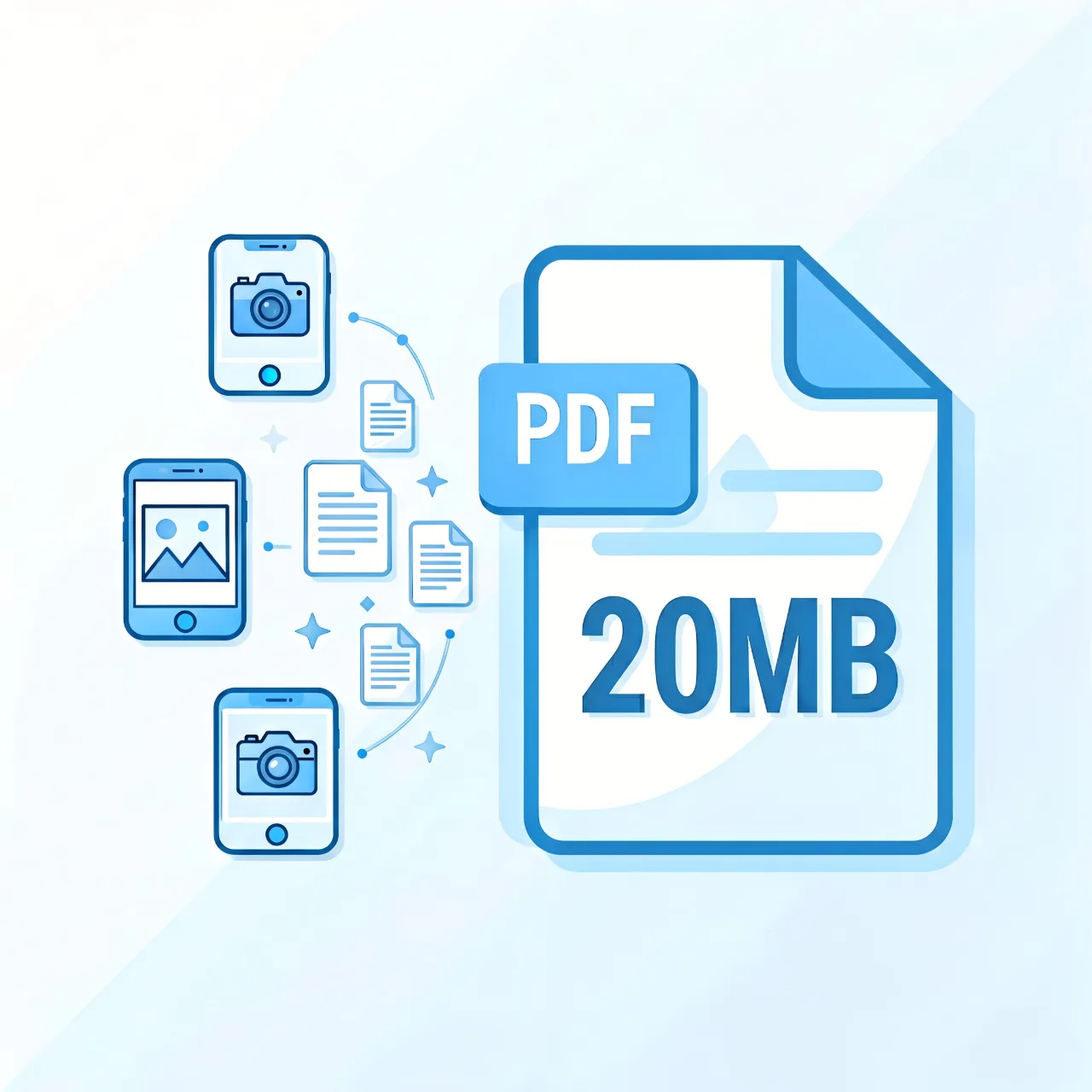
iPhoneThere is a user habit: documents, invoices, contracts, open the preliminary document, and then "share the→ print→ two fingers to zoom intoPDF "Export. Convenience is really convenient, big is really big - three photos are exportedPDFCan have20MB . After half a month of toiling, I concluded that the system was targeting the samePDFThe number of compression paths.
First, find out why the big
Last ExportPDFThe default logic for is "photo as is": taken by the camera1200Megapixel photos, no completion, no reduction in resolution, directly crammedPDF . A live photo6-8MB , export a few pages and break it easily20MB . Essentially a picture typePDF , but the picture is the original image of the camera, which is more exaggerated than the scanner.
Source Governance: Volume control before export
Method 1: After exporting, go through the "Shortcuts" first. iOSSelf contained's shortcut is "MakePDF "action, in conjunction with" Resize Image "(long side150pixels left and right) and "Convert image format toJPEG ", generate a small image and then synthesize itPDF ,20MBAbility to change directly2MB . Sir is my most recommended plan, one-time configuration is used for life.
Method 2: Use Documents insteadAppscan FileAppOr use the "scanning wedding dress" function (the scanner that slides out on the camera interface) to shoot a scan with automatic trimming and automatic perspective correction. The resolution is controllable, one level smaller than the shooting directly, and the appearance is more professional.
Method 3: Finish the photo album first. Cut out the irrelevant background, leave only the data itself, and then guidePDF , can save more than half of the corresponding volume.
Ex-post success: already exported largePDF
Automatically close purchase order afterPDFI already have it,iPhoneBring your own pressure: use "Documents"AppOpenPDF , "Share a→ copy" does not have a compression function, what really works is to create a built-in "quick action" or "compression" in the shortcutPDF RequiresiOS 16+Key command center search"Make PDF smaller"class instruction). If you don't want to toss it, send it to the computer for useWPSOne compression is fine.
A little reminder
Type of documentPDFAfter compression, be sure to enlarge the check text and seal marks,dpibelow120may be confusing; in addition, privacy documents are involved, do not use online compression websites, whether local processing is more secure.