EXPERIENCE
Image-based PDF compression: why your scans are so large
The most exaggerated one I've ever encounteredPDF :48Page Scan Contract,360MB , WeChat rejected it directly. After studying it for half a day, I found that the picture typePDF's volume logic and font are completely different. If you don't understand the principle, compression is a chance.
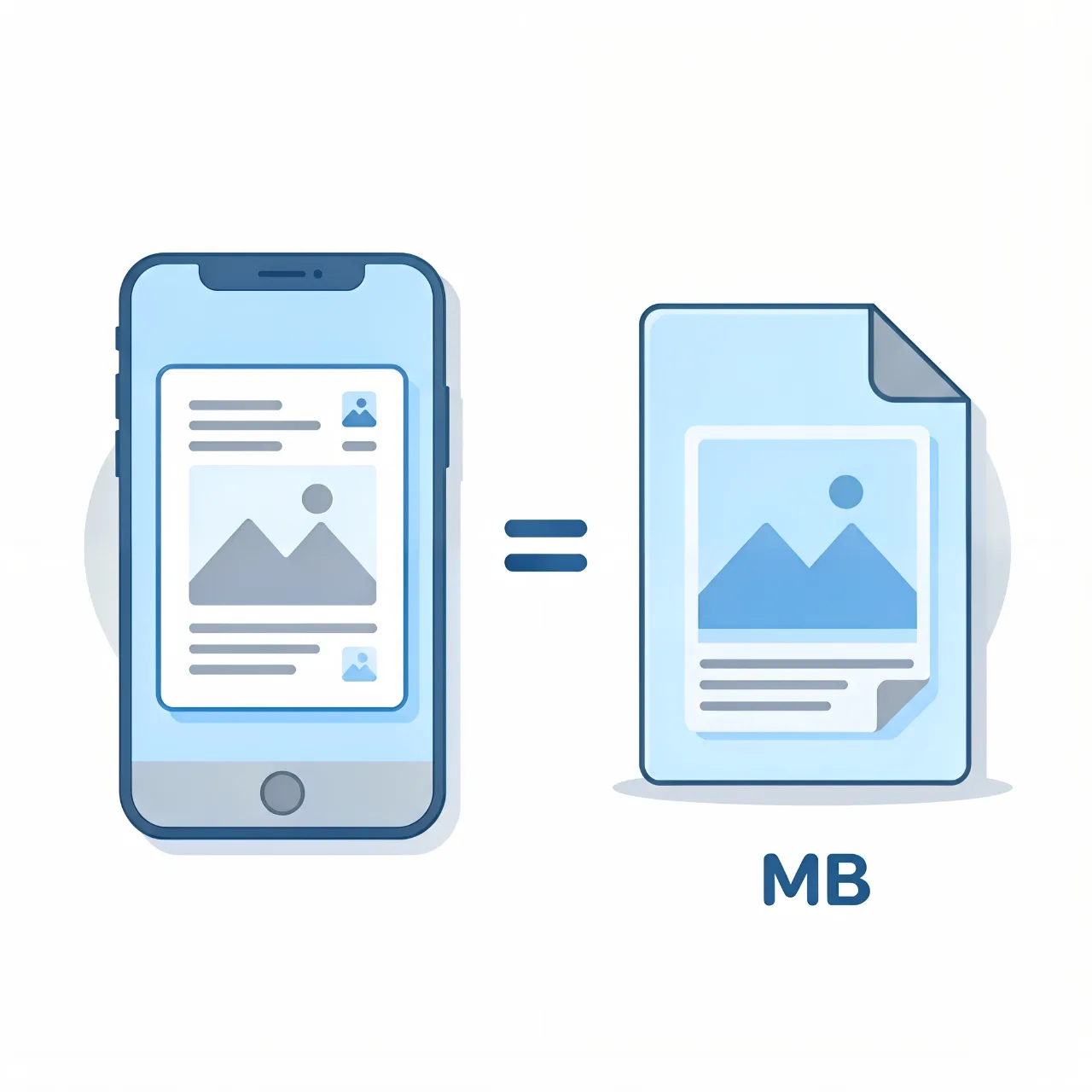
The Culprit of Volume: One Photo on Each Page
Picture typePDFEssentially,“Image Container” - A scanner or mobile phone takes a picture of each page300dpiFull-color photos, then save them for laterPDF oneA4Full Color300dpiTuyo of3-5MB ,48The page is150MBStart. So compress the imagePDF , in fact, is the image inside the compressed type, and the text typography does not occupy a position at all.
It's easy to tell: openPDFTry selecting Chinese text. If you can't select it and enlarge it with a grainy feeling, it is the picture type.
My three-tier compression strategy
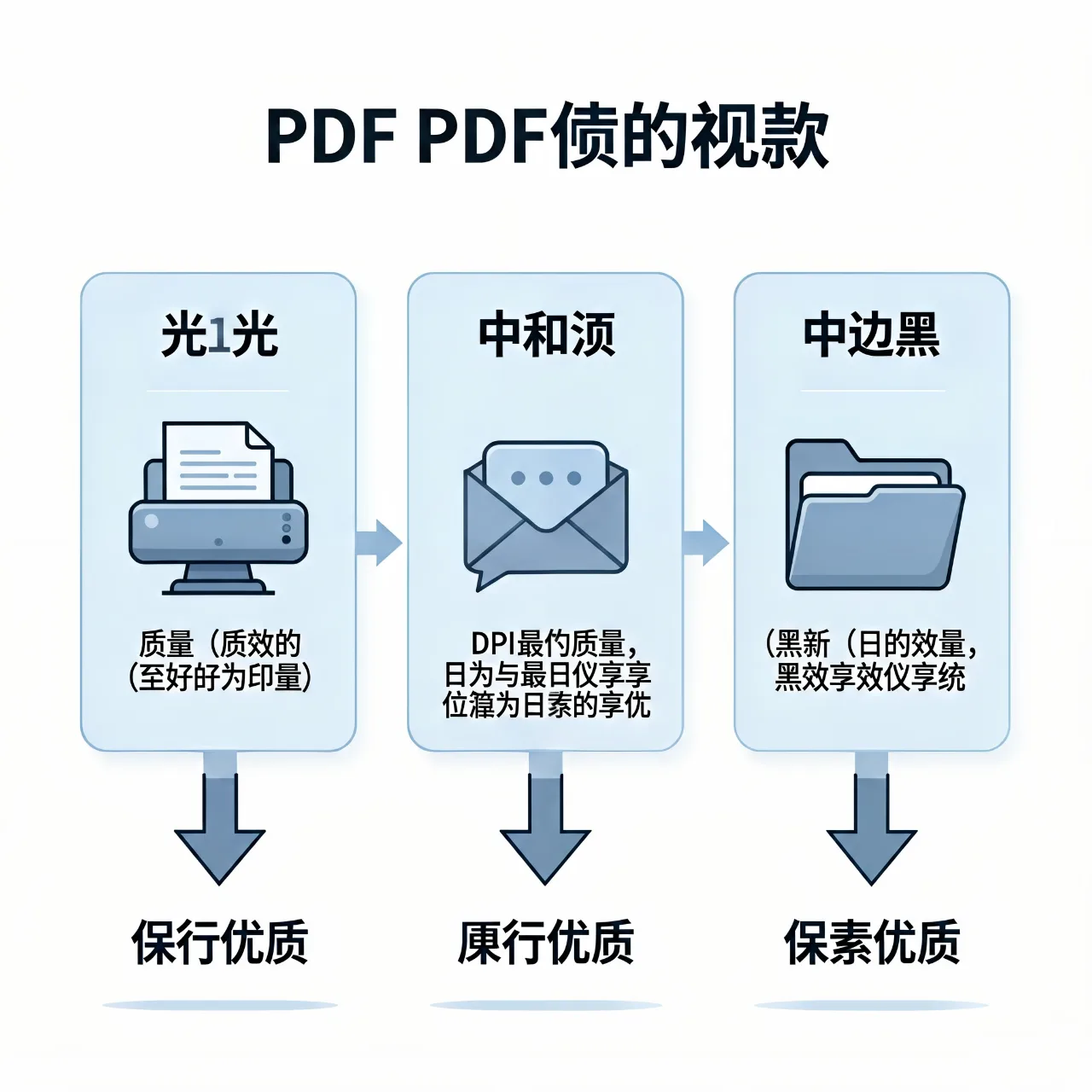
(80% → 60%VBR Quality: Fits official documents that need to be printed. UseAcrobat “Optimized ScannedPDF ", the image quality is reduced to60% , the volume is almost cut in half,A4Printing doesn't make a difference.
Moderate150dpi+Grayscale End: Suitable for daily circulation of contracts, protocols. Resolutions from300Descending to150 , the color switches to grayscale, and the volume of the two blades goes down to the original1/5to1/8 . My share360MBThe contract was finally pushed to21MB , WeChat is easy to send.
Severe100dpi+Black and white: Purely archived for future reference. Convert to black and white (two-value) mode, up to dozens of pagesKB , the whole document has been slimmed down into a fewMB . But the screen shows that the edges of the text have burrs, so it is not recommended to use this file for reading.
Two points that are easy to roll over
one isBackup the original file first. Picture type compression is lossy, there is no way out, important documents must be left at the bottom. Second,Press the draw page to enlarge the check, focus on the stamp page, signature page, small-size clause page - these places are the first to paste.
Tool selection tips
Batch Scans PreferredAcrobatthe "Optimized Scan"PDF "; occasionally one or two files with pdfcompressOnline Press Tool. The tool does not need to be greedy. The key is to make it clear whether a document is to be viewed, printed or documented after pressing, and set the parameters according to the use, once.