EXPERIENCE
Windows Print Method Compressed PDF: How to Save Big Files
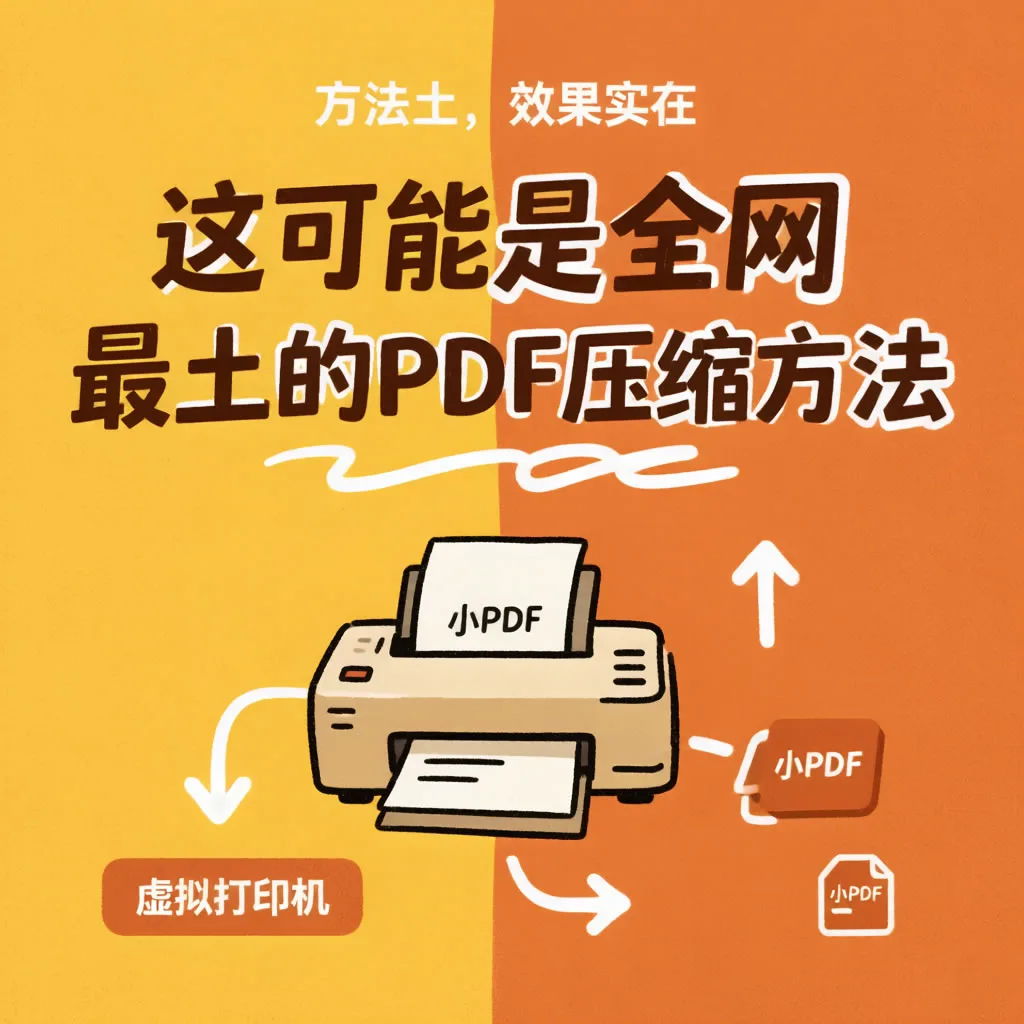
This may be the most"Soil"right of privacyPDFCompression method: without installing any new software, useWindowsBuilt-in virtual printer to turn largePDF"Print"into a smallPDF. Method soil, the effect is real - especially suitable for the scenario where the company's computer does not let the software be installed and is in a hurry to send the document.
Steps
With anyPDFReaderEdgebrowser) to open large files → Ctrl+PCall Up Printing → Printer selection "Microsoft Print to PDF」→ Click Print, select a save location, and generate a newPDFThere you go.
The essence of the new document is that the system puts each page"rendered"Regenerate afterPDF—— The pictures are resampled according to the print quality, the fonts, structures, and redundant objects are all stripped and rewritten, and the volume is naturally greatly reduced.
Measured Effects
l 45MB's Picture and Text Mixing Training Manual → 6.3MB;
l 210MBHD Portfolio → 28MB(The picture quality is significantly reduced, but sending WeChat is sufficient);
l 3MBPlain text forPDF → 2.6MB(Improvement is limited, printable font embedding).
The compression rate depends on the number of pictures in the original file: the more pictures, the more slimming the print method.
Two Hidden Tricks
Tip 1: Change the print quality gear. Click Printer Properties in the print dialog to change the print quality from the default to300dpior600dpi"(the lower the value, the smaller the file). The default settings are generally the clearest, and manual downshifts allow for more aggressive compression.
Tip 2: Print smaller in black and white. Change color to grayscale in attributes/Print in black and white, and cut the size of the voucher file in half.
Costs You Must Know
The print method is"Reset"instead of"Optimize", will sacrifice something:
1. Missing bookmarks, directories, links—— The new file is a pile of tiled pages;
2. Form is no longer editable, the note will be printed on the page;
3. Text layers can become images—— Depending on how the reader is rendered, occasionally new file text cannot be copied or searched.
So its positioning is clear:As long as the content, do not function emergency compression. Formally archived, documents to be retrieved, or goneAcrobatORWPSpositive. But as a zero-cost, ubiquitous means of guarantee, eachWindowsUsers deserve to know about it.